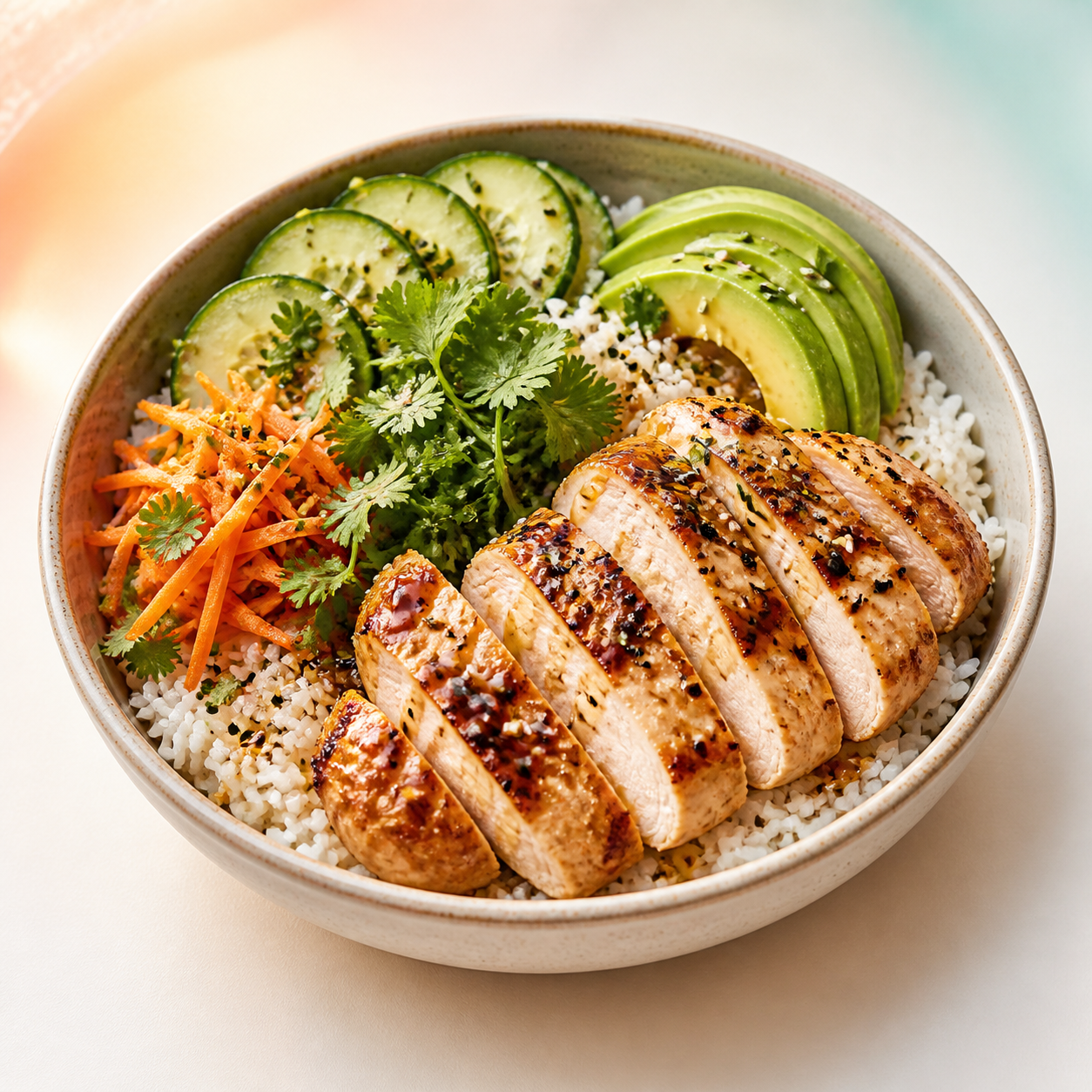
How the photo calorie counter works
Snap a plate, let the AI read it, and get calories plus a protein / carbs / fat breakdown — no logging in.
- 1 Add a photo
Snap your plate or drop in a photo — JPG, PNG, or HEIC.
- 2 Let the AI read it
It detects the dish and estimates calories and macros.
- 3 Review the number
A starting point you can sanity-check before you log.
Why a photo works
A number beats a guess.
- It reads the whole plate. Protein, carbs, and fat — not just a single calorie guess.
- Portion-aware. Bigger serving, bigger number: the estimate scales with what it sees.
- A starting point, not a verdict. Use it to sanity-check a meal, then adjust to taste.
Beyond one plate
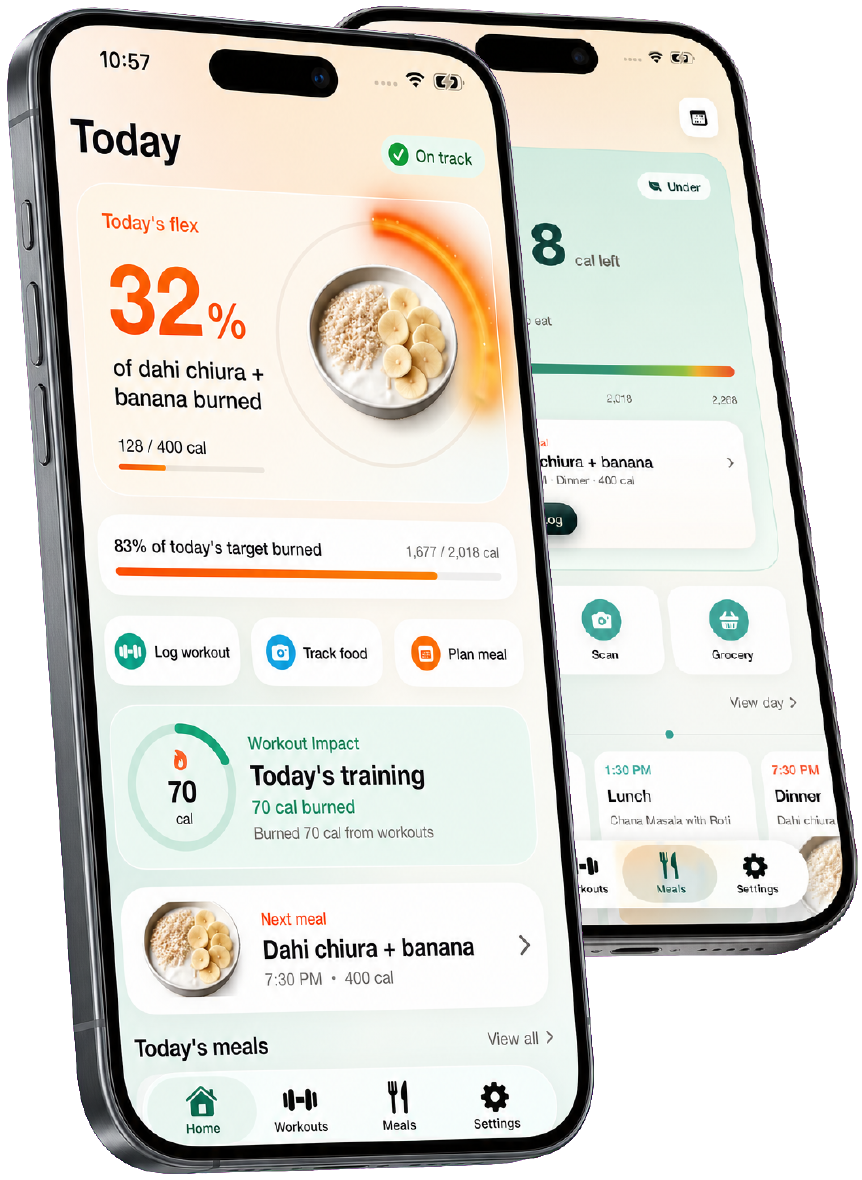
One photo is a snapshot. Burnplate is the whole day.
This gives you one meal's number. In the app, every scan joins your other meals and your workouts — so the day adds up to one number you can actually act on.
Point your camera at the plate — calories and macros in seconds.
Every meal meets every workout, so the day adds up.
Meals in, movement out — one clear balance you can act on.

Common questions
Frequently asked questions
How accurate is estimating calories from a photo?
It's a smart starting point, not a lab measurement. AI can read the dish and typical portion well, but it can't see oil, hidden sugar, or exactly how much rice is under the chicken — so treat the number as a ballpark to sanity-check, then adjust. It's most useful for building awareness and comparing meals, not for auditing every gram.
Do you store my photos?
No. Your photo is sent once to generate the estimate and is never saved on our servers — there's no account and nothing is kept. In the Burnplate app you can choose to save a meal to your log, but on this free tool nothing is stored.
What is a macro, and why do protein, carbs, and fat matter?
Macros are the three nutrients that carry calories: protein, carbohydrates, and fat. Calories tell you how much energy a meal has; macros tell you what it's made of. Protein helps you stay full and hold muscle, carbs fuel training, and fat keeps hormones happy — the balance matters as much as the total.
Why don't the macro percentages add up to exactly 100%?
Each percentage is that macro's share of the meal's calories (protein and carbs are about 4 calories per gram, fat about 9). Small gaps come from rounding and from things like fiber or alcohol that don't map cleanly onto the big three — so 95–100% is normal and expected.
Can it read any kind of food photo?
It works best on a clear, well-lit shot of a single plate or bowl from above or at a slight angle. Very dark photos, packaged food behind wrappers, or several meals crammed in one frame make it guess. If the estimate looks off, retake the photo closer and straighter and try again.
Is this the same as the Burnplate app?
It's the same idea, stripped down. This page gives you the one-shot estimate for free. The app remembers every meal, connects what you eat to what you burn in your workouts, and keeps a running daily number — so you always know where the day stands, not just what one plate was worth.
More free tools
